
 Tweet
Tweet
I'm not sure if this works as well as I wanted.
Ok, it is not for real - I combined 2 images in camera on the OM-1. This gave a RAW file which I then did an in-camera image edit on to make it B&W and change the levels getting a "SOOC" JPEG file.
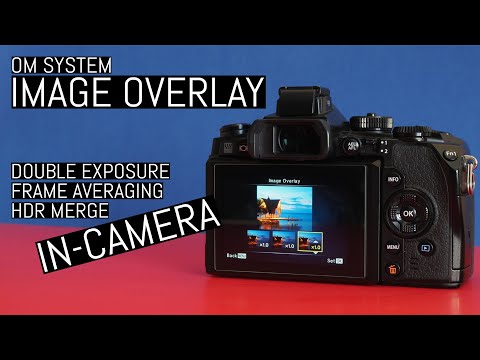
I tried it out after watching this video by Thomas Eisl - there is some interesting stuff you can do with the image overlay including an HDR technique (it creates a RAW file this way, unlike the actual HDR function).
I can probably do a better version using proper PP techniques on the Mac. The in camera compositing really needs a "darker pixels win" option - the opposite of LiveComp.
Bill

Ok, it is not for real - I combined 2 images in camera on the OM-1. This gave a RAW file which I then did an in-camera image edit on to make it B&W and change the levels getting a "SOOC" JPEG file.
I tried it out after watching this video by Thomas Eisl - there is some interesting stuff you can do with the image overlay including an HDR technique (it creates a RAW file this way, unlike the actual HDR function).
I can probably do a better version using proper PP techniques on the Mac. The in camera compositing really needs a "darker pixels win" option - the opposite of LiveComp.
Bill


 :
:
Comment